|
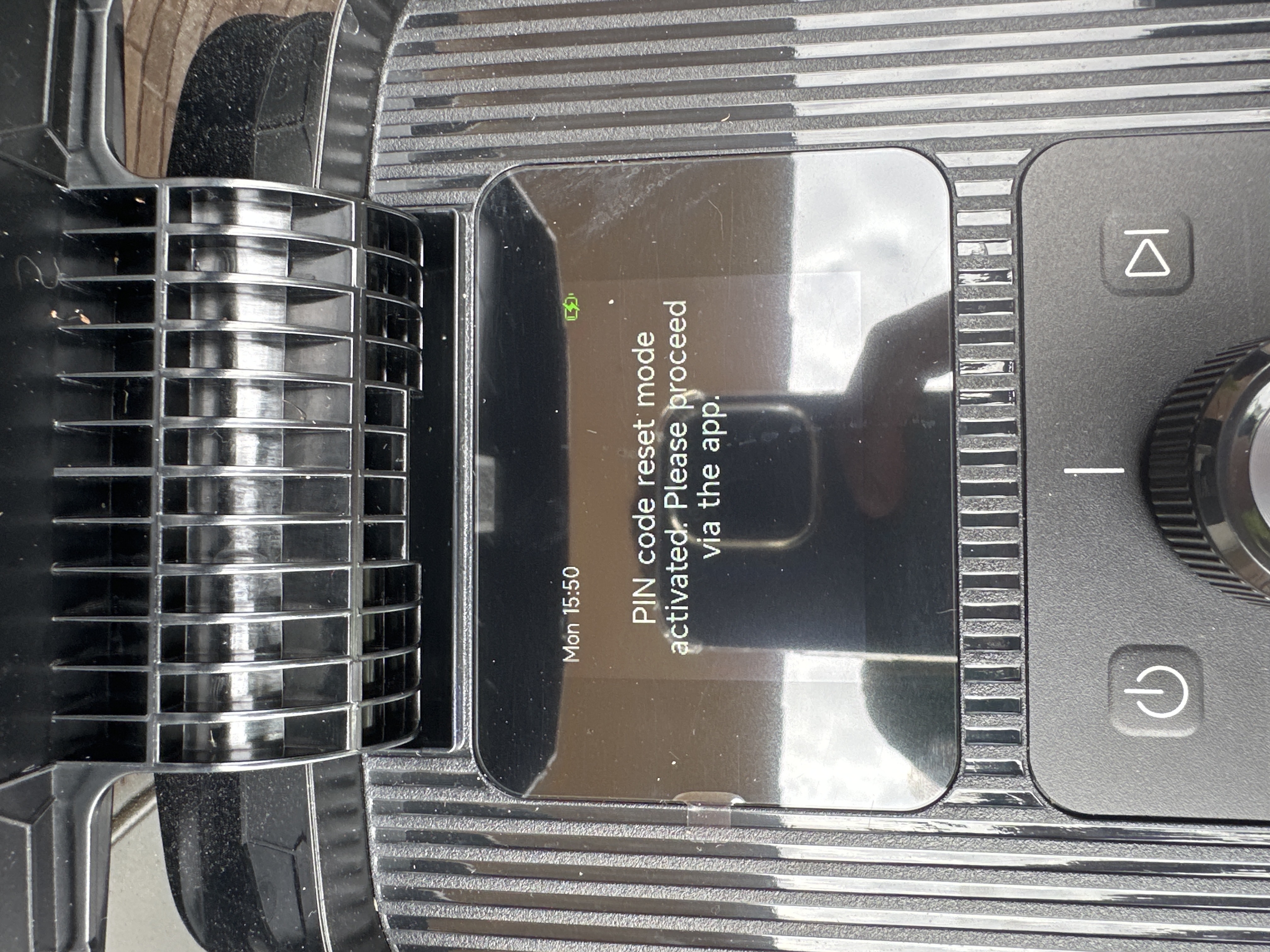
Hello~ If the robot is not currently unlinked from the app, you can select "Change PIN Code" in the app settings, then "Forgot PIN Code? Reset PIN Code" and follow the app prompts to reset your PIN code.If you are asking about a specific reset, you can reset the robot by simultaneously pressing and holding the [Start] and [OK] buttons on the robot for 3 seconds. Friendly reminder: After resetting, consumable timing and binding information will be retained, but other host information will be cleared. | 

 ES
ES


 4844
4844