|
Good morning, thank you very much for your feedback. Regarding your issue with Wi‑Fi setup failure on your new P50 Ultra robot vacuum, please refer to the troubleshooting steps below:
1. When connecting the robot to Wi‑Fi, place it in an area with strong home Wi‑Fi signal.
2. Before network configuration, enable location permission on your phone and grant location access to the App.
3. When connecting to the hotspot broadcast by the robot, wait until you hear the voice prompt from the robot, then go back to the App and wait for the network configuration result.
4. We recommend that your home Wi‑Fi name and password only contain letters and numbers. Avoid Chinese characters and special symbols.
5. Connection failure may be related to your phone model. You may try using a different phone model to complete the connection.
If the above steps do not work, you can try using another mobile phone to create a hotspot for network configuration. | 



 220
220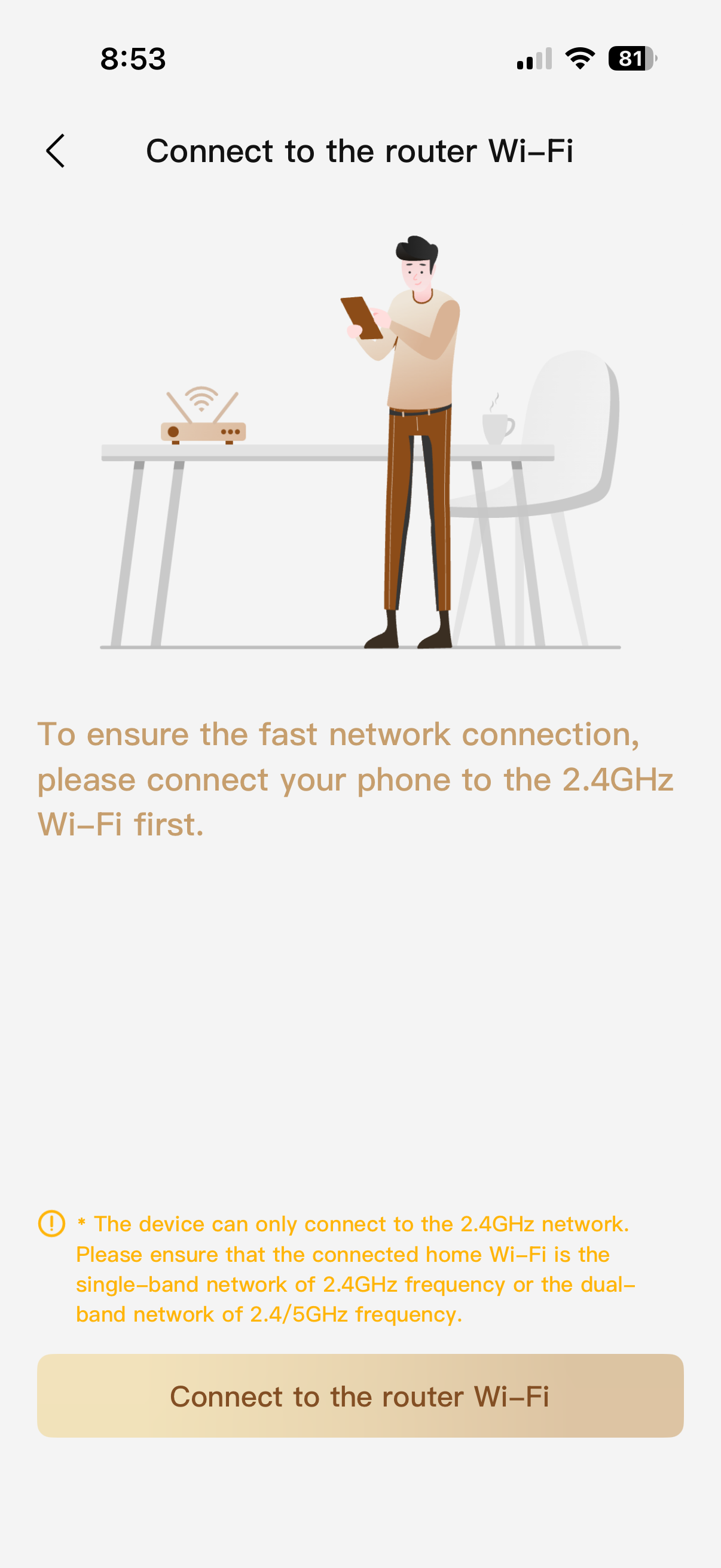



 GB
GB





