Regarding your issue, here are some troubleshooting steps that may help you resolve the problem. If your robot takes disorganized cleaning paths during daily use, please check the following points:
1. Before cleaning: Tidy up scattered items on the floor such as power strips, toys and slippers. Frequent collisions during cleaning will lead to messy navigation routes.
2. While cleaning: Promptly remove foreign objects, dust or oil stuck on the bottom drive wheels to prevent abnormal movement of the robot.
3. While cleaning: If the robot collides multiple times during operation, it will temporarily move along edges before resuming its zigzag cleaning pattern.
4. Frequent route errors: If messy paths occur constantly, upgrade the robot firmware to the latest version, reset the existing map and rebuild a new one from scratch.
5. For obstacle-avoidance models: Wipe the sensor lenses thoroughly.
For missed cleaning areas
1. The robot cannot access narrow gaps; the passage width needs to be at least 2 cm wider than the robot’s body on both sides.
2. Models equipped with ultrasonic carpet detection will avoid entering rooms when carpets are detected at doorways under mopping mode. Remove the carpet and test again.
3. Overlapped map layers may cause positioning errors and missed cleaning. Rebuild the map or restore the original map if this happens.
4. Long-pile carpets or wires placed at room entrances will trigger the obstacle avoidance system. Clear these items first before cleaning.
### For mop pad attachment issues
Check if there are foreign objects on the cleaning tray of the base station. Clear all debris and wipe the tray completely clean if any obstructions are found. Then restart the robot and reattach the mop holder manually.
If the problem persists, please send your device serial number (SN) and purchase receipt to our after-sales team for further assistance.
Email:
aftersales@mova-tech.com



 1493
1493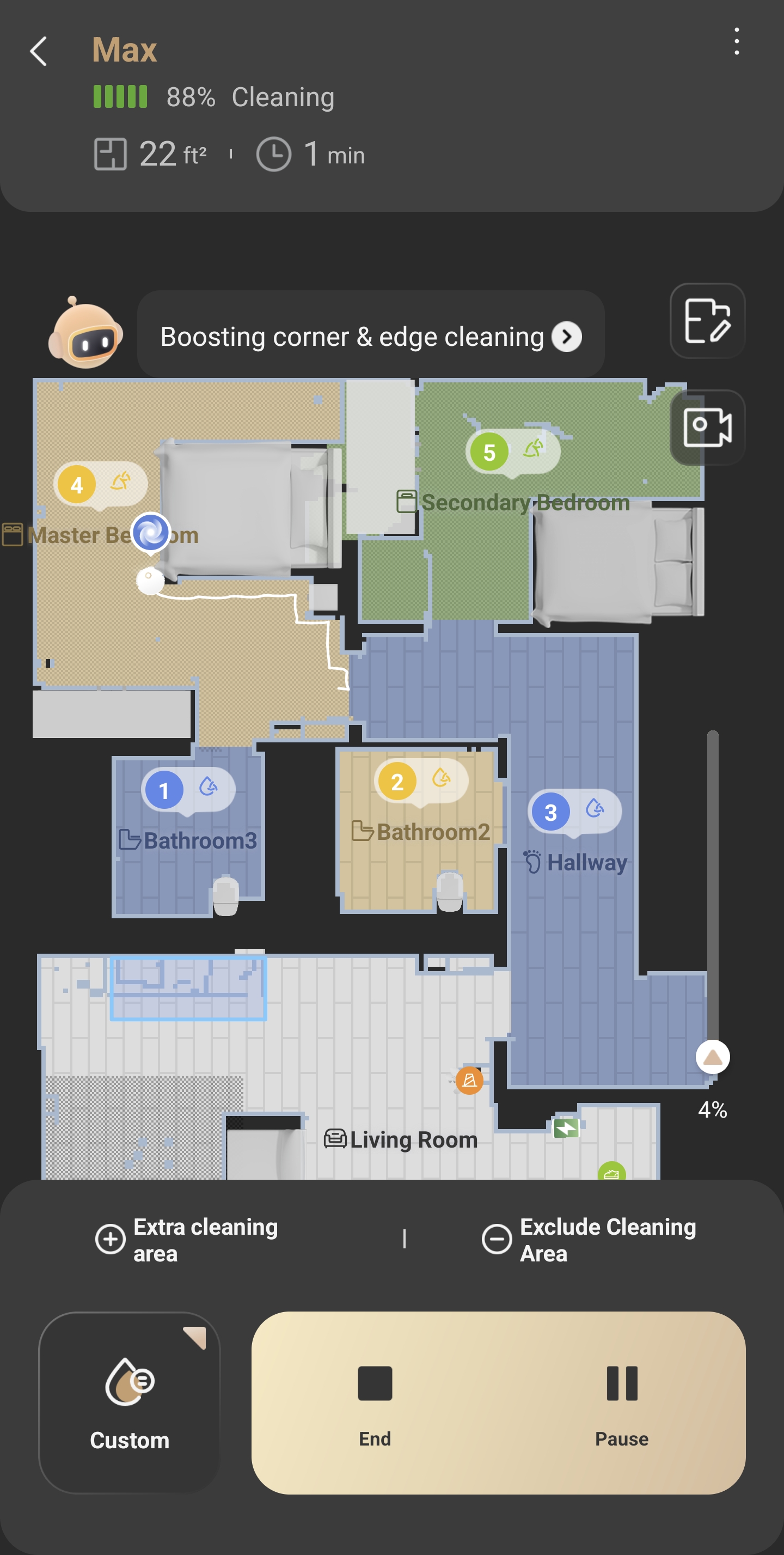



 GB
GB