Hello, we sincerely apologize for the inconvenience caused by the mop pad issue of your V50 Ultra. Could you confirm whether your problem is that the mop pads keep falling off? If yes, please troubleshoot step by step as follows:
1.Power off the robot and unplug the charging dock. Manually lay the mop pads flat on the round tray at the bottom of the dock, push the robot back onto the dock, then restart both the robot and dock. The mop plate spindle sleeve will extend automatically after startup to firmly hold the mop pads.
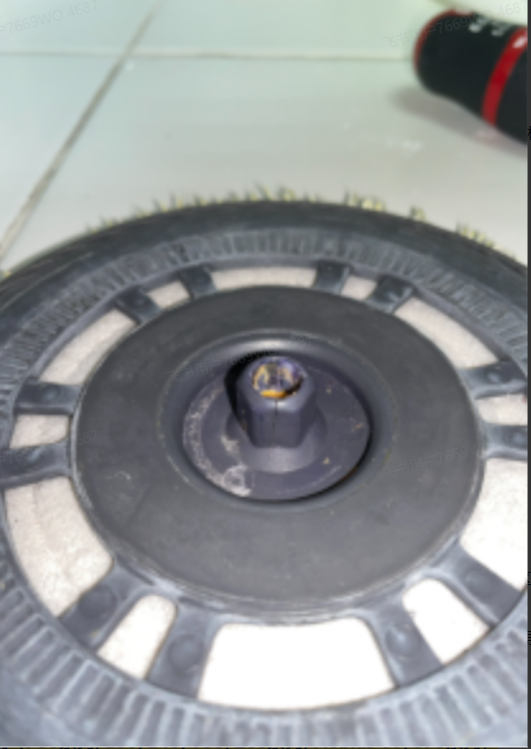
2.Inspect the mounting holes of both left and right mop plates. If any hole is damaged, we can send you brand-new replacement mop plates.
3.Swap the left and right mop plates of the robot, run a mopping cycle and check if the fault disappears.
4.The mop plates are easy to get stuck and fall off when the robot crosses carpets, door thresholds or small steps. You can set no-mop zones in the App to avoid these areas. Please tidy up all wires on the floor before cleaning to prevent tangling with mop plates.
If the issue persists after all the above operations, it is a TBS hardware fault. You can contact our after-sales team directly to arrange the service process via email:
aftersales@mova-tech.com



 1760
1760


 GB
GB





